
PRODUCT DEMO
Getting started with Gatling Enterprise Edition: build, run, and interpret your first load test
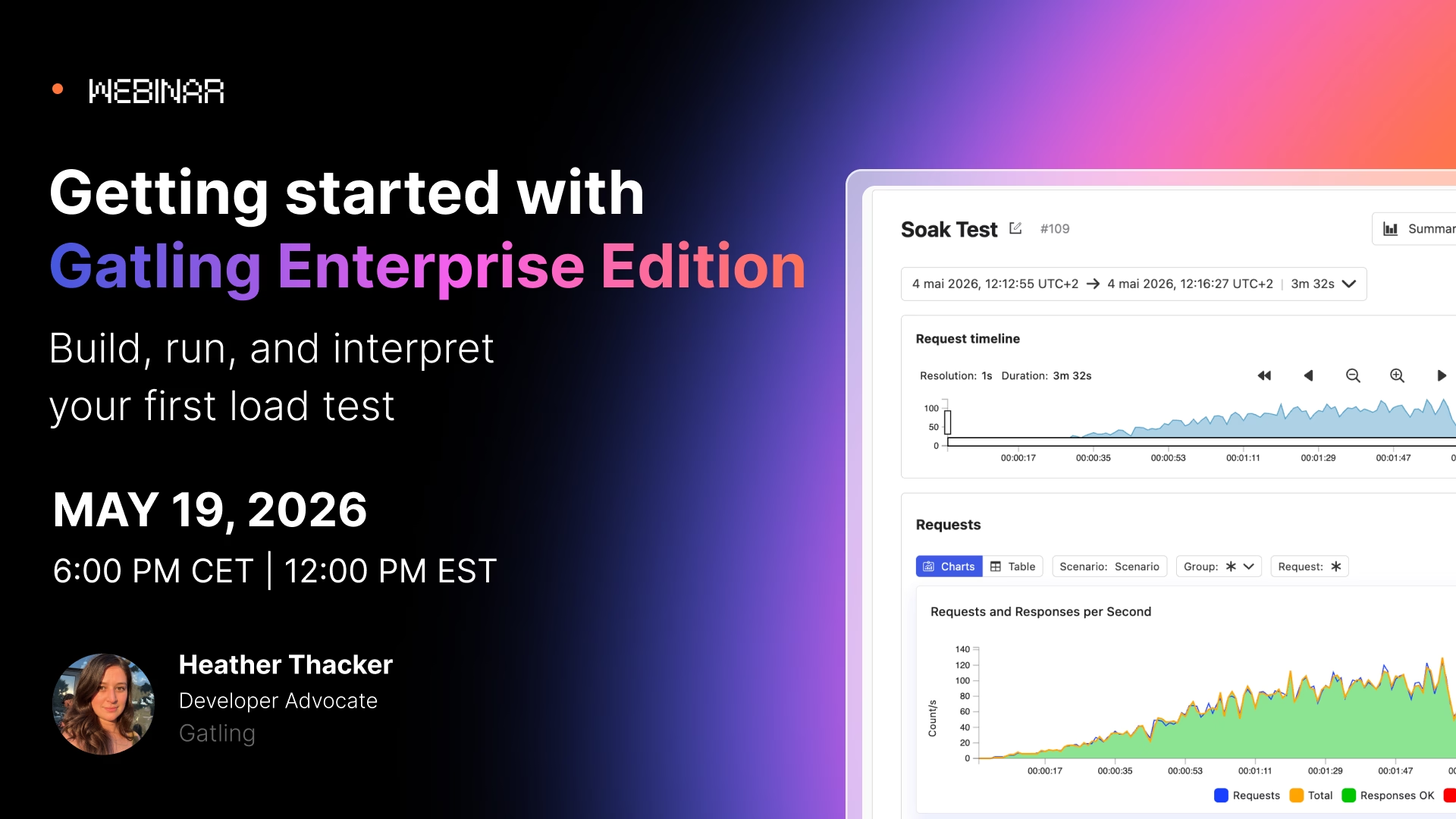
Load testing doesn't have to be complicated, and it doesn't have to live only on your local machine. In this session, we will walk through the workflow of building a test, running it on Gatling Enterprise Edition, and making sense of what the results are telling you. This is a practical, end-to-end look at what Enterprise gives you out of the box and how to start getting value from it on day one.
Whether you're currently using Community Edition and curious about what's next, or evaluating load testing tools for your team, this session will give you a clear picture of how Enterprise fits into your workflow.
What you'll learn:
- How to create a load test using Gatling's multi-language SDK (Java, Scala, Kotlin, JS/TS) and Enterprise’s no-code builder, or pull tests directly from Git
- How to configure and launch test runs on Gatling Enterprise's fully managed infrastructure, with no local setup required
- How to read the live granular reports, from response time percentiles to error breakdowns at the request and scenario level
- How to use run comparisons and trends to track performance across releases
- What collaboration and team management features (projects, roles, shared reports) look like in practice
- Where Enterprise's CI/CD integrations and public APIs fit into an automated testing strategy
Your all-in-one load testing platform
Design complex tests, manage global infrastructure, and turn results into action on one powerful platform.
Need technical references and tutorials?
Minimal features, for local use only
