
INJECTION PROFILE BUILDER
Build your load pattern visually. No code required.
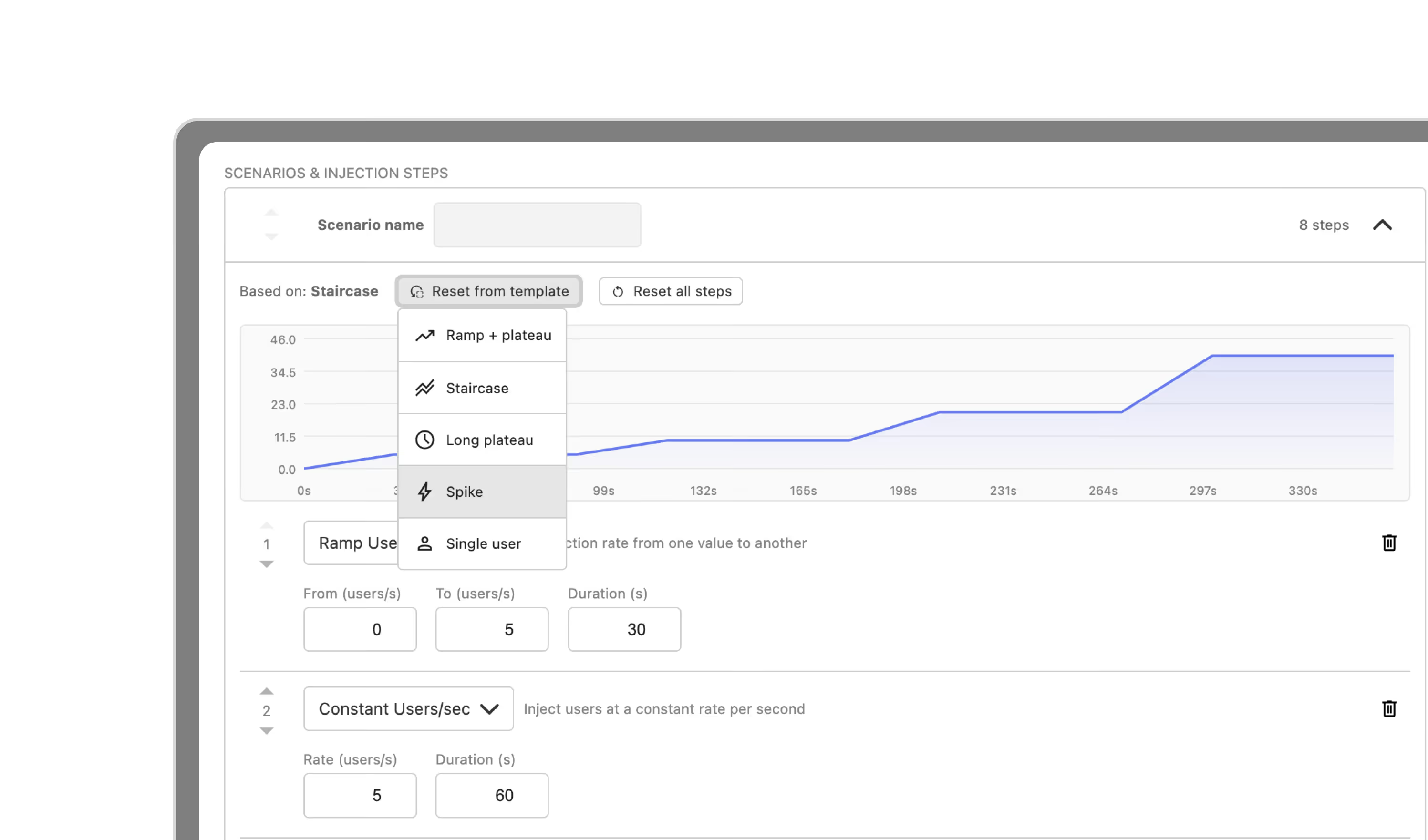
Configure exactly how users arrive in your tests, directly from Gatling Enterprise Edition. Build your injection profile from the UI without touching your simulation code.


Configure load injection without writing a line of code.
The injection profile defines how users arrive in your test: the ramp, the spike, the plateau. Until now, that lived exclusively in your simulation code. You can now configure it visually, directly in Gatling Enterprise Edition. Your scenario logic stays exactly as written. Only the injection changes.
Each profile is built from three building blocks:
Model: Open or closed. Control either the arrival rate (users per second) or the number of concurrent users active at any time.
Steps: Stack up to 50 injection steps per scenario: ramps, constants, spikes, at-once bursts. Build any traffic shape your production actually produces.
Templates: Five built-in templates cover the most common patterns. Start from one, adjust as needed, and run immediately.
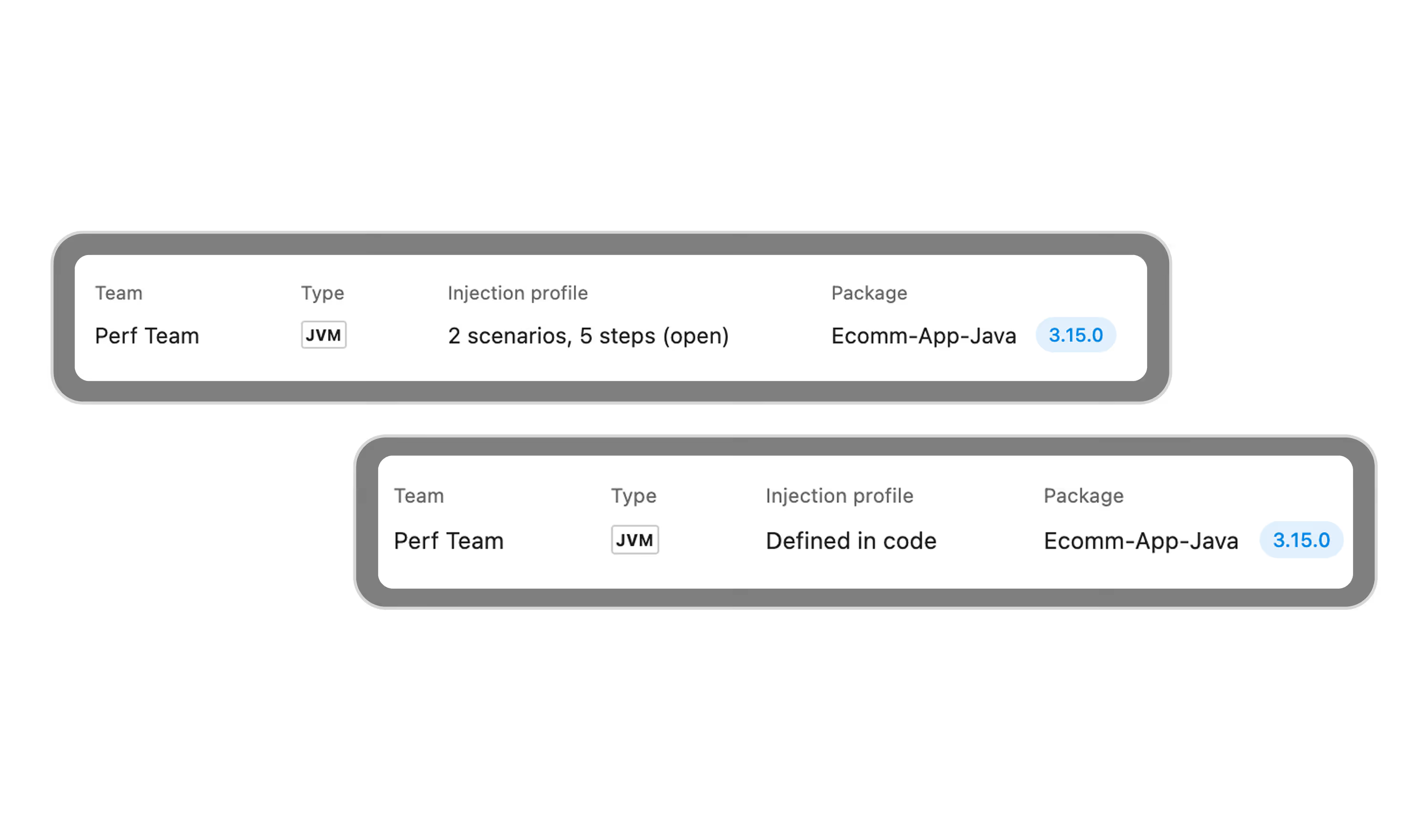
Every run records exactly what load was applied.
The injection profile used in each run is captured in the run summary, including any profile built in the UI. You always know what traffic shape was applied, even if the configuration has changed since.
OUTCOMES
Three things the Injection Profile Builder changes for your team.
INTERACTIVE DEMO
From configuration
to first run in minutes.
Select your injection model, build your profile or pick a template, launch the run, and read your results directly from the run summary.
Built for performance engineering teams.
Build and iterate on load patterns directly from the UI. No repackaging, no redeploy. Test a ramp, switch to a spike, compare results, all within the same simulation.
Heading
Run capacity tests, soak tests, and spike tests against the same simulation code. Standardize the scenarios, vary the load shape, without touching what the dev team wrote.
Heading
Give your team the ability to iterate on load patterns without waiting on a code change. Faster testing cycles, same simulation quality standards.
Heading
Ready to build
your first injection profile?
Your Gatling Enterprise Edition account is all you need.
FAQ
Frequently Asked Questions about Injection Profiles
No. Your simulation code stays exactly as written. The Injection Profile Builder configures how users are injected at the platform level: your scenario logic, your assertions, your feeders are all untouched.
Injection Profile Builder is available for test-as-code (packaged) and build-from-source simulations.
Yes. For multi-scenario simulations, you define one injection profile per scenario. Scenario names must match exactly what is defined in your simulation code — a mismatch will cause the run to fail. Check the run logs for the list of scenario names detected in your package.
Yes. SLOs are a Gatling Enterprise Edition feature.
Your all-in-one load testing platform
Design complex tests, manage global infrastructure, and turn results into action on one powerful platform.
Need technical references and tutorials?
Minimal features, for local use only
