
Load test your LLM APIs before your costs spiral
Test non-deterministic outputs, validate token efficiency, and catch infrastructure bottlenecks
that only show up under real AI workloads.
REPLAY
Easily deploy and test your AI application
learn how Gatling can help you test your AI applications under real-world conditions. See how to simulate realistic user traffic, validate response times and scalability, and keep your AI-powered services reliable and cost-efficient at scale.


Why LLM APIs break traditional load testing
LLM applications introduce performance challenges that traditional tools completely miss. With more users and higher costs every day, performance failures can derail adoption.
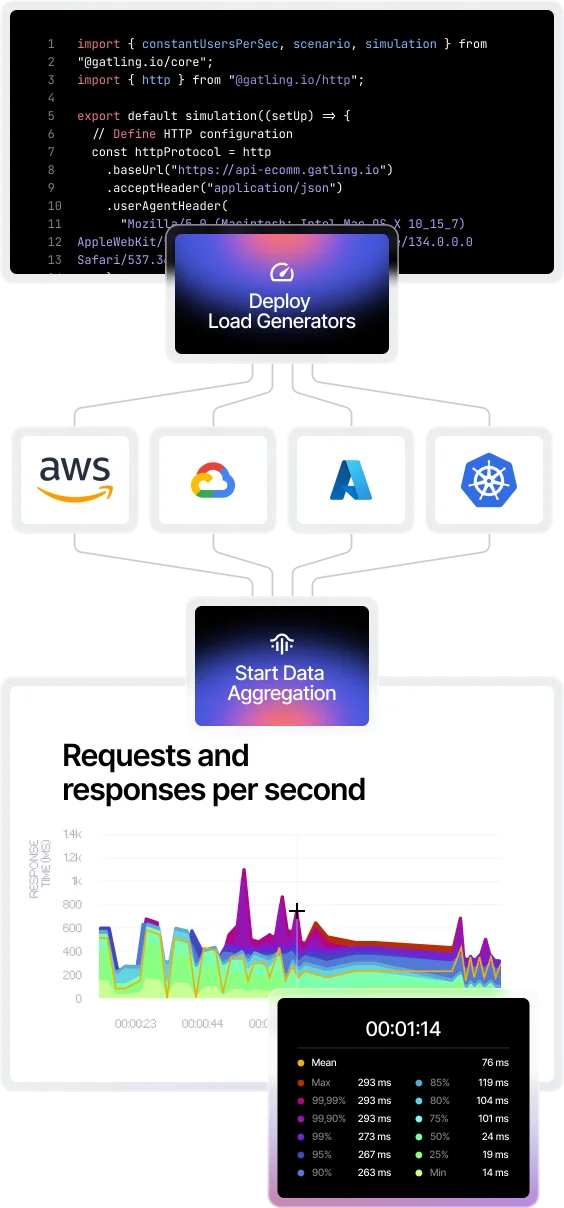

Non-deterministic latency
Same prompt, different outputs. Response times vary wildly, making standard benchmarks unreliable.

Token costs that scale unexpectedly
Every token costs money. Without proper testing, inefficient prompts can turn a $1K budget into $10K/month.

Infrastructure strain under AI traffic
CPU throttling, memory leaks, and TLS handshake spikes appear only at LLM concurrency levels.

Context window failures
Long conversations and RAG pipelines overflow token limits unpredictably, causing sudden errors.
FEATURE TOOLKIT
Load testing designed
for AI workloads
Gatling understands prompt variability, token economics, and the infrastructure patterns that make LLM APIs different from everything else you've tested.
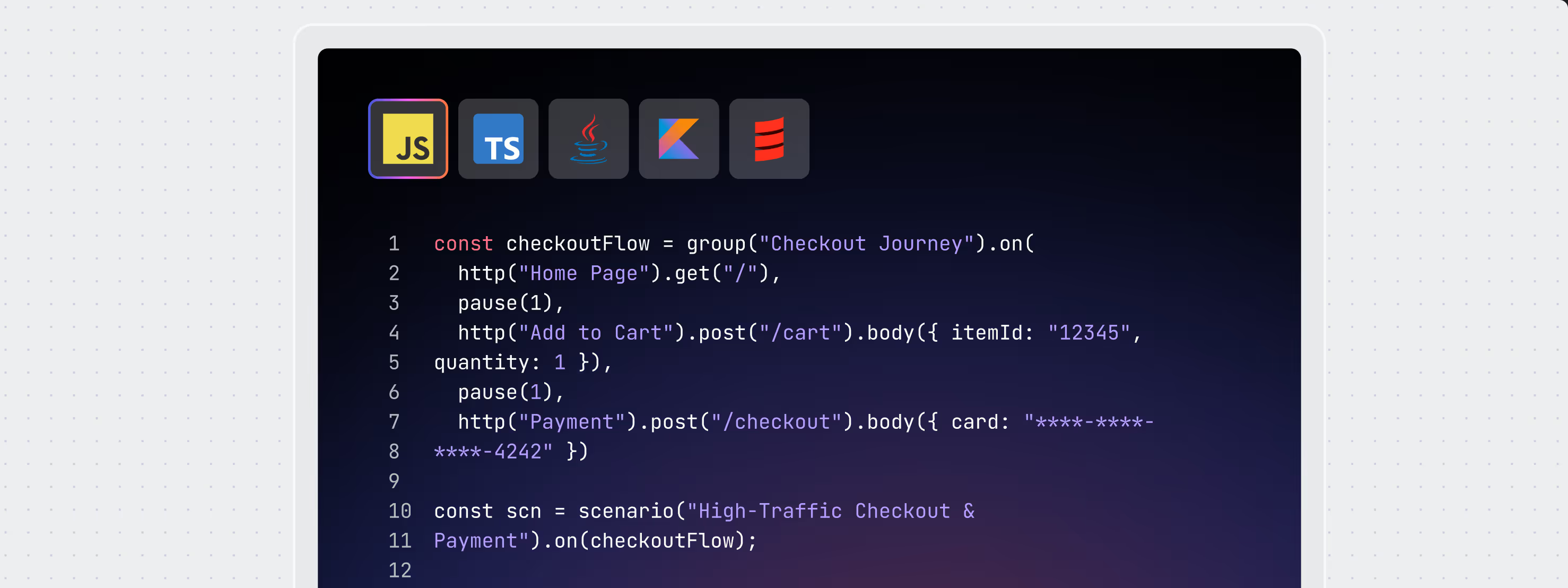
Realistic user journeys
Chain prompts, API calls, and services into complete workflows that mirror real AI usage.
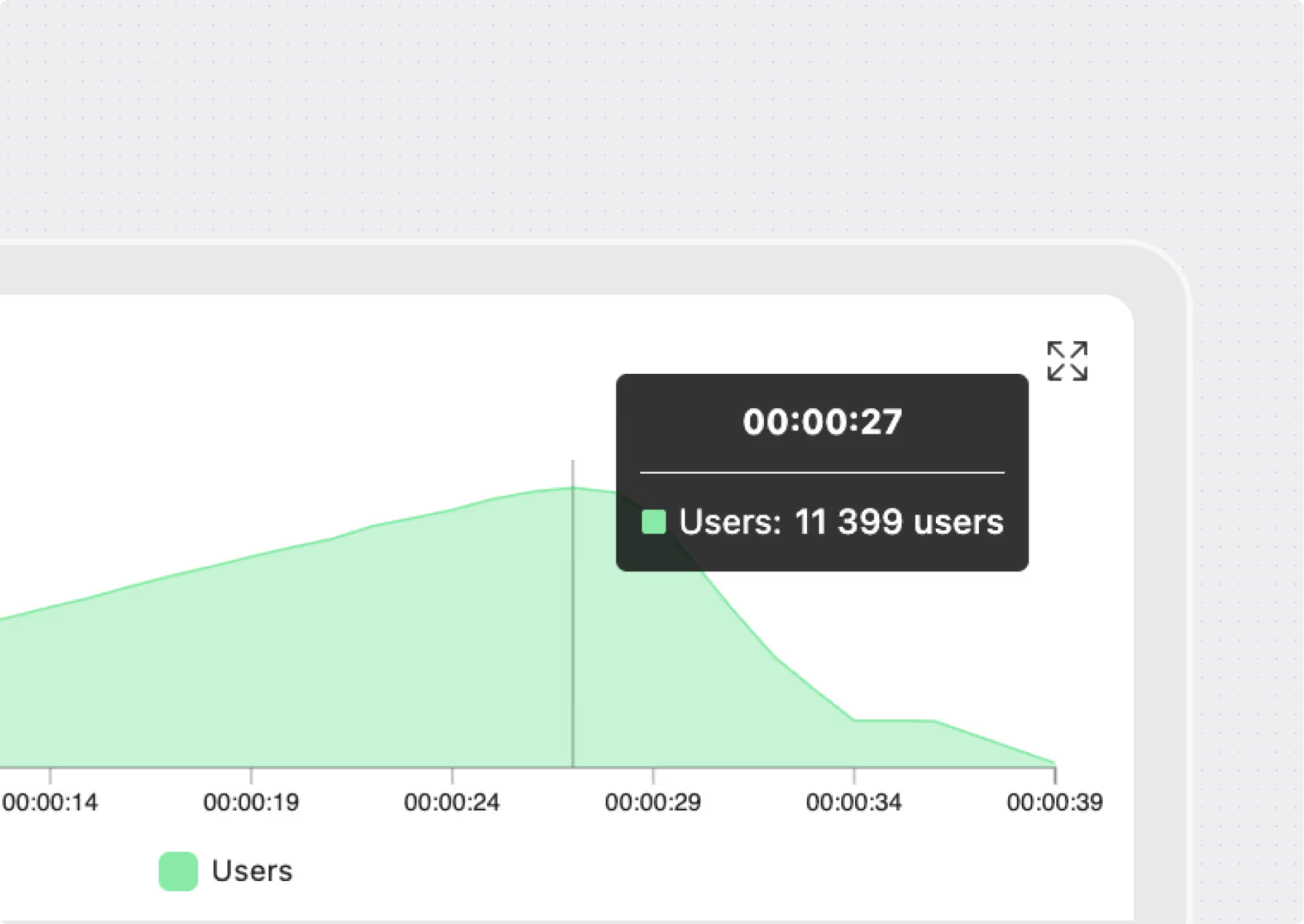
Scale to millions of requests
Push token throughput and concurrency to the limit to reveal breaking points before production.
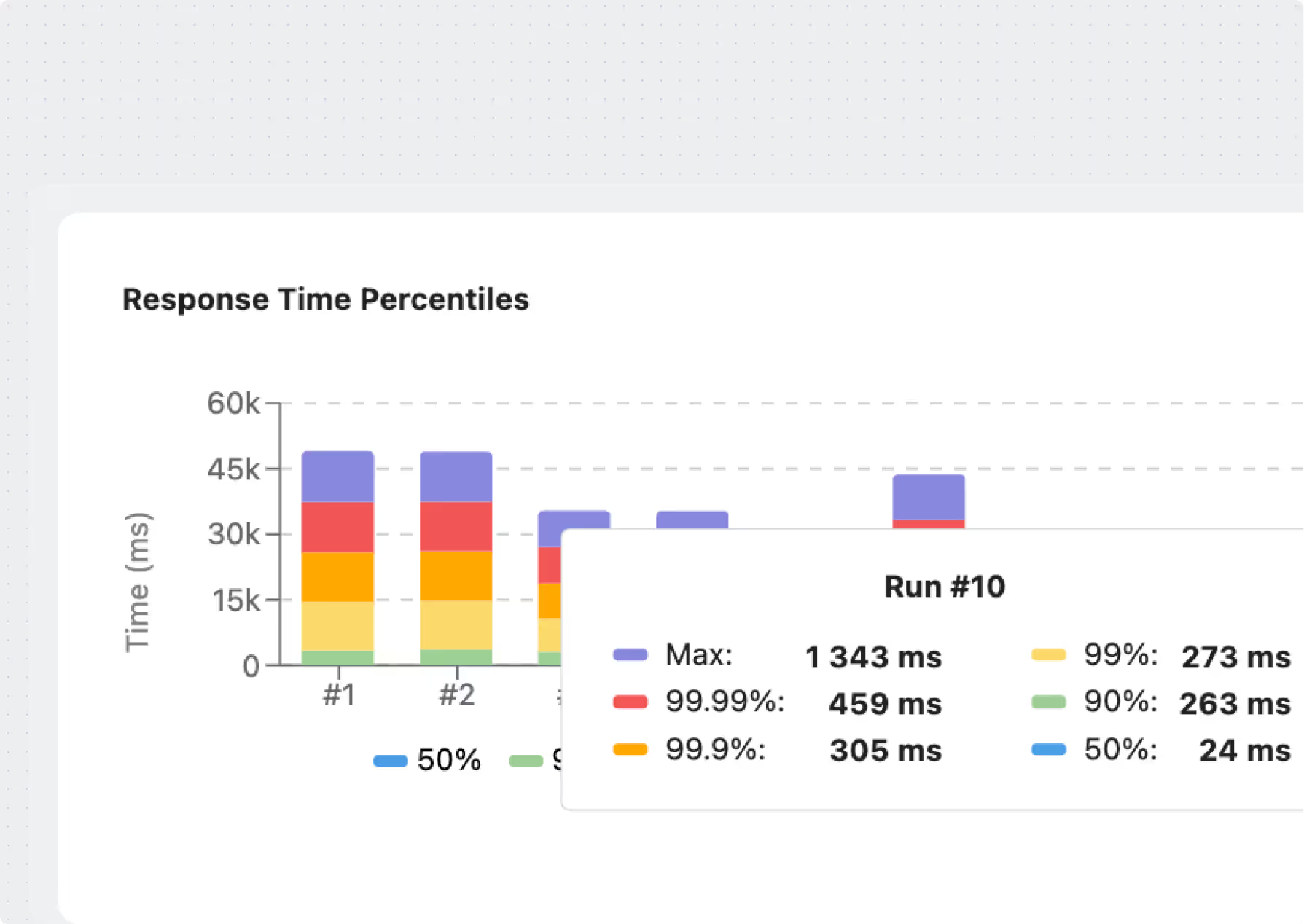
Trend analysis over time
Compare results across test runs to detect regressions in latency, throughput, or cost efficiency.
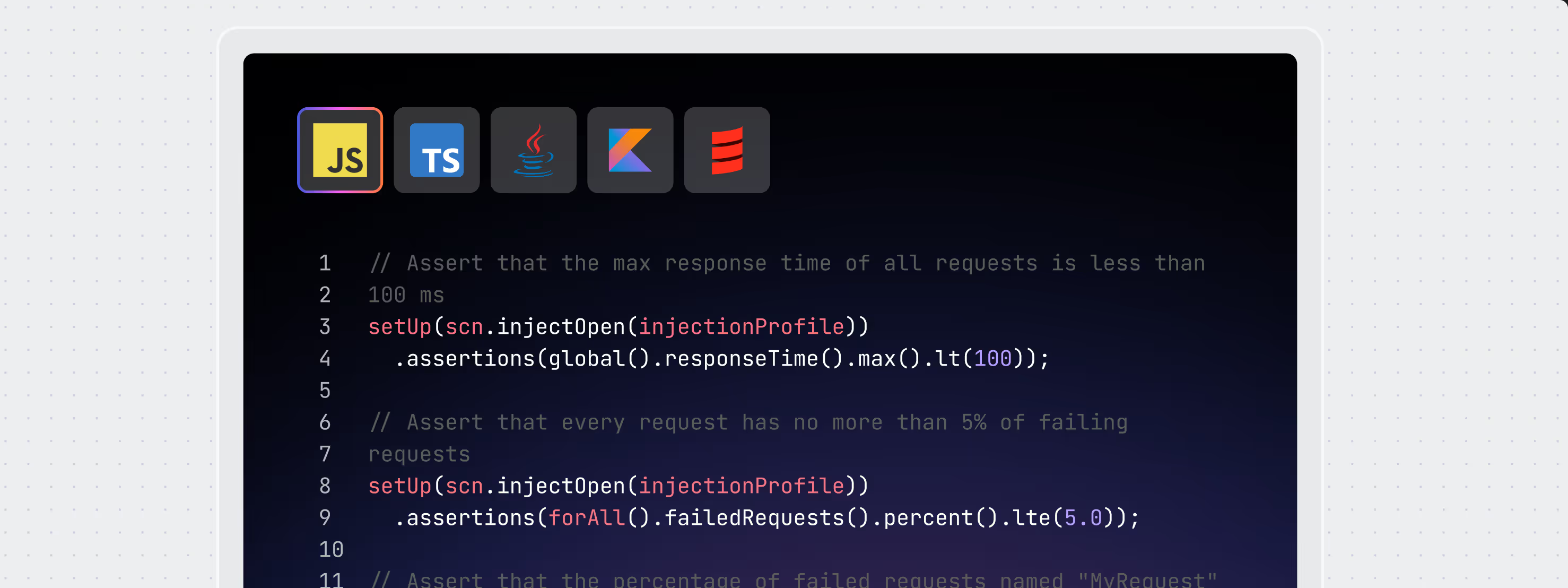
Regression & SLA enforcement
Define thresholds (p95/p99 latency, error rates, token costs) and automatically block failing deployments.
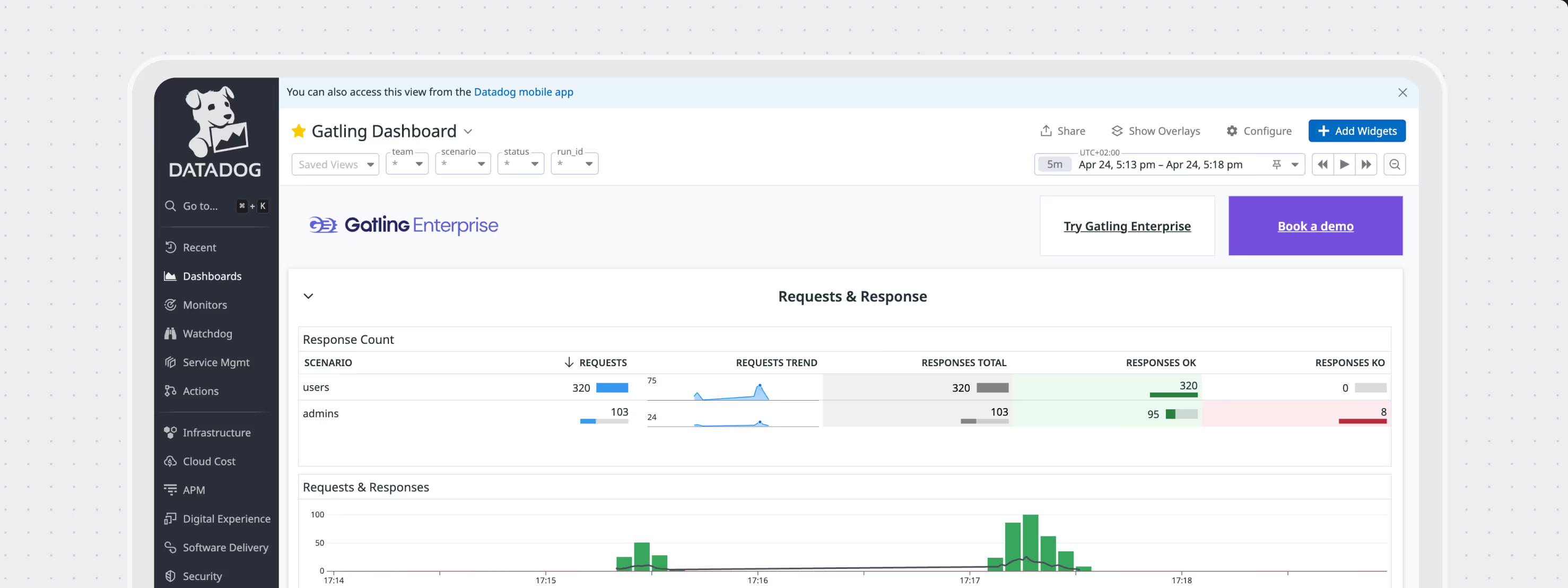
Observability integrations
Stream Gatling test results into Datadog or Dynatrace for full system context.
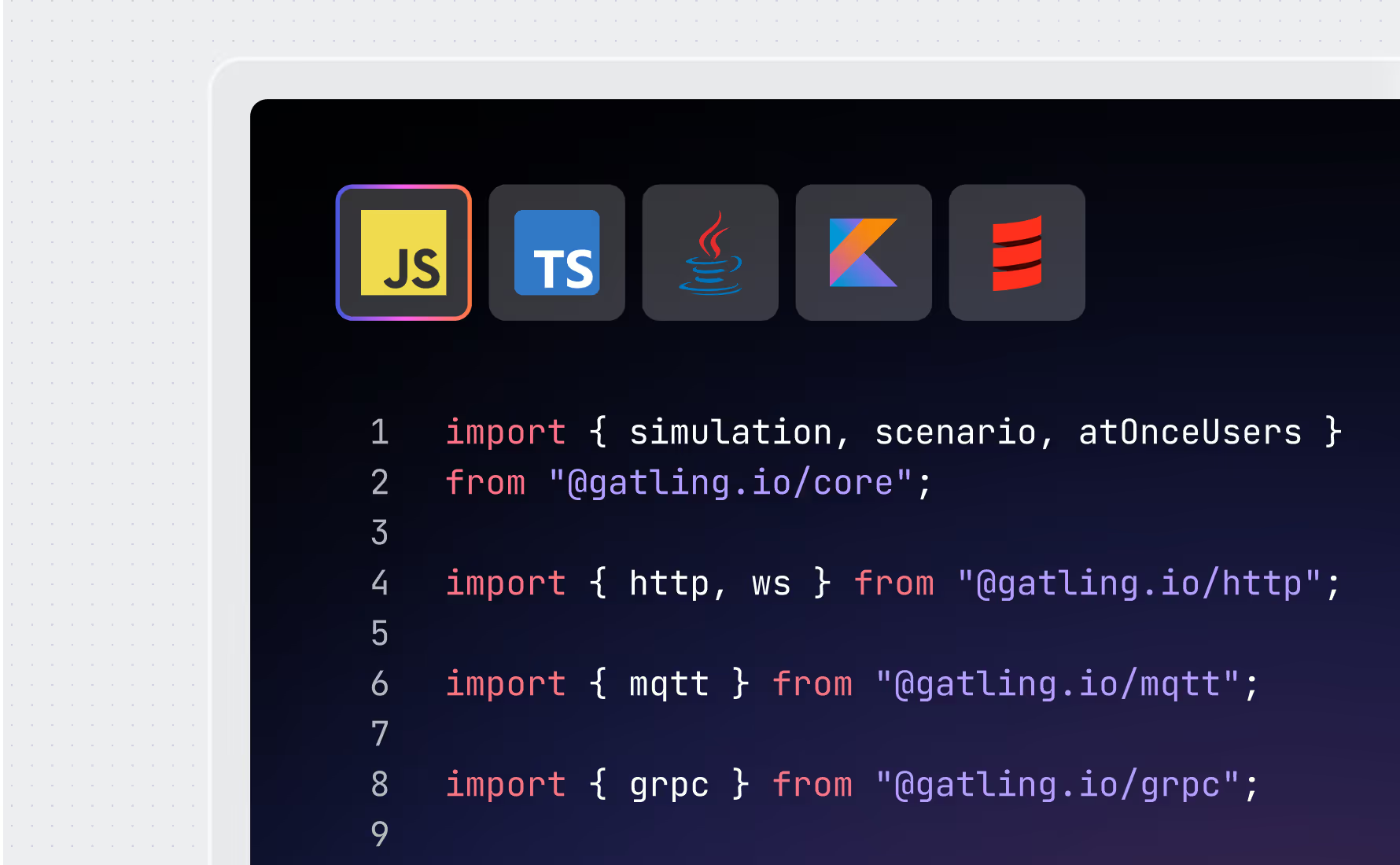
Multi-protocol support
Go beyond REST: test WebSocket, gRPC, JMS, MQTT, and more for hybrid AI apps and event-driven systems.

USE CASES
Every AI application has
its performance breaking point
Gatling understands prompt variability, token economics,
and the infrastructure patterns that make LLM APIs different from everything else you've tested.
Simulate different prompt lengths, complexity levels, and creativity settings. See how temperature and top-p parameters affect your response times under load.
Surface hidden tail latency that averages miss. See exactly when your slowest users start having bad experiences with your AI features.
Test if your infrastructure scales appropriately with AI compute demands. Prevent overprovisioning that wastes money or underprovisioning that kills performance.
Track token usage and calculate real costs during load tests. Compare prompt strategies and find expensive patterns before they hit your bill.
Test realistic chat flows with context that builds over time. Validate how your system handles long conversations and session management.

FEATURED STORIES
Success stories powered by Gatling

.jpg)

.jpg)





.svg)






FAQ
Frequently asked questions (FAQs) about LLM and AI load testing
LLM APIs produce non-deterministic outputs with wildly varying response times for identical prompts, making standard benchmarks unreliable. Token-based pricing means inefficient prompts can inflate costs by 10x, and infrastructure strain appears only at AI-specific concurrency levels that traditional tools don't simulate.
Gatling supports WebSocket, gRPC, JMS, MQTT, and other protocols, enabling comprehensive testing of hybrid AI applications and event-driven systems that combine multiple communication patterns.
P95 and P99 latency metrics reveal tail latency that averages miss, showing exactly when the slowest users start experiencing poor performance. These percentile metrics are critical for LLM apps where response times vary significantly.
Yes, Gatling simulates realistic chat flows where context builds over multiple turns, validating how systems handle long conversations and session management. This reveals context window failures and token limit overflows that only appear in extended interactions.
Ready to load test
your LLM APIs
before costs get
out of hand?
Validate performance, optimize token usage,
and catch bottlenecks before your users
and budget feel the pain
Need technical references and tutorials?
Need the community edition for local tests?
