
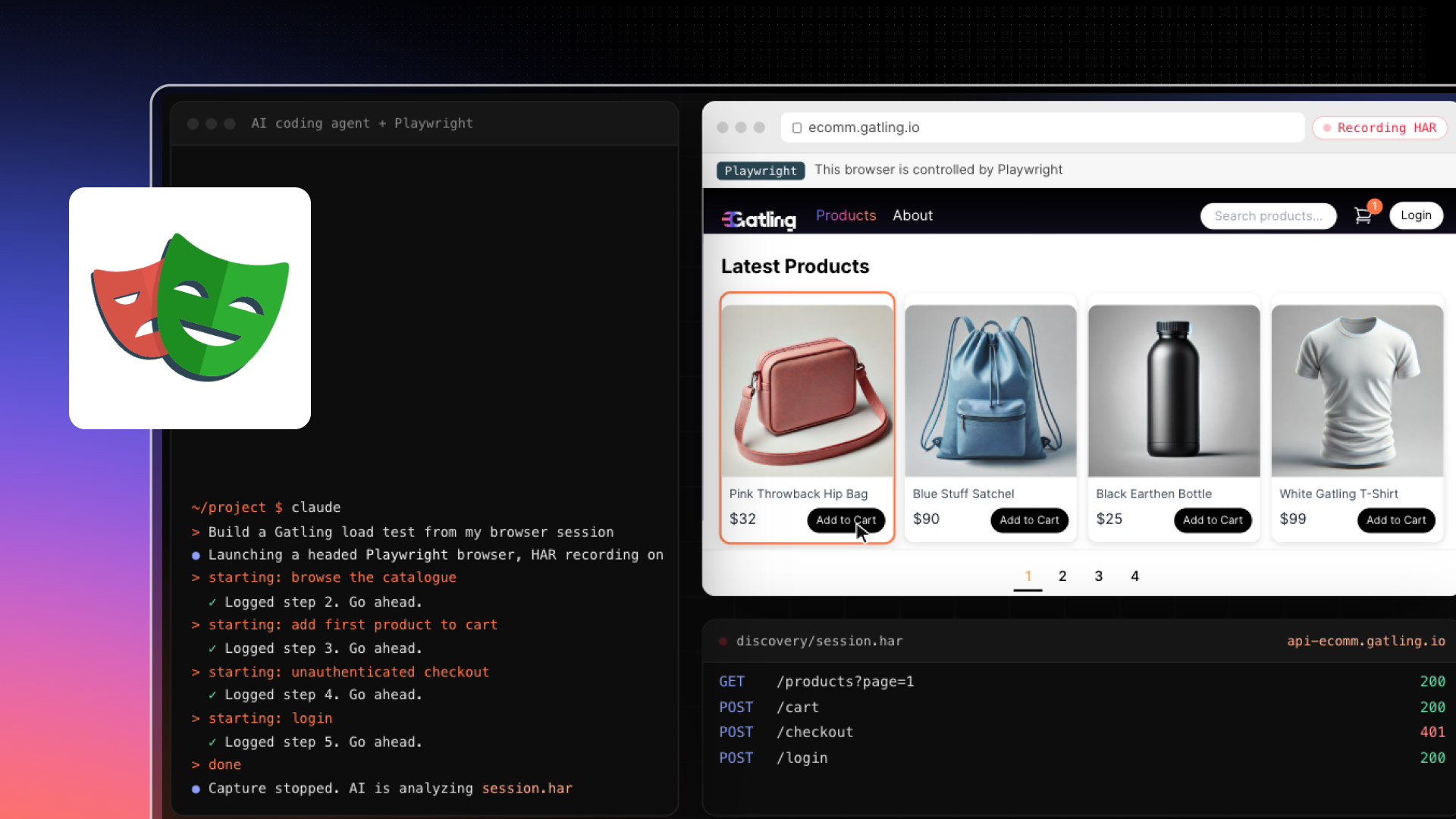
You can now create a Gatling test from a real browser session without leaving your coding agent. Your agent opens a browser on your site with playwright-cli, you walk your user journey, and the agent turns the recorded traffic into a working Gatling test that follows the steps you took.
Recording a browser session is a quick way to start a load test, but the output usually needs a lot of cleanup: hardcoded IDs, missing correlations, static assets, third-party calls. With the Playwright recorder, your agent does that work. It keeps the calls to your API, extracts the values that change between runs, and checks that the test replays before handing it back.
How it works
You browse: you drive a headed browser yourself and announce each step of your journey in the chat, for example “starting: add to cart”.
Your agent records: at each step, it saves the requests captured by playwright-cli, with the full request and response of each API call.
Your agent generates the test: once the browser is closed, it attributes each request to a step, parameterizes the values that vary between runs, and writes a Gatling Java/Maven project with one block per step, in the order you performed them.
Your agent checks it: it compiles the project and runs the test once with a single user, with an assertion that fails the run if any request fails.
Capture first, analyze second
The agent saves the traffic of each step to disk, then builds the test from those files. Working from the full capture, instead of deciding what matters while you click, gives better correlations and a more faithful replay. If something needs re-checking, the agent re-reads the capture instead of asking you to redo the journey. When a request can’t be attributed to a single step, or a step looks incomplete, it asks you rather than guessing.
For public journeys you can describe in a sentence, you can also let the agent drive a headless browser itself.
From smoke test to load test
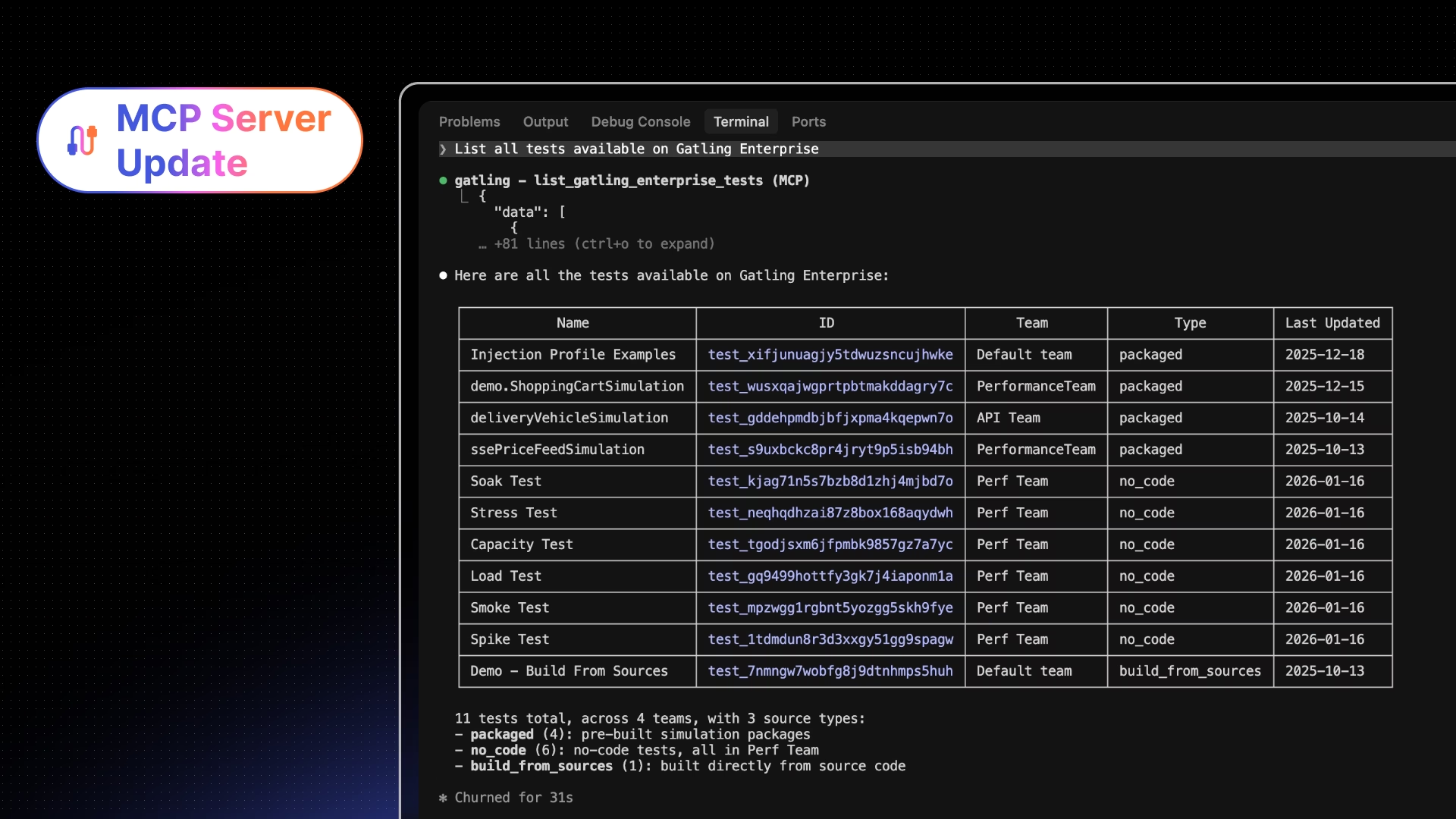
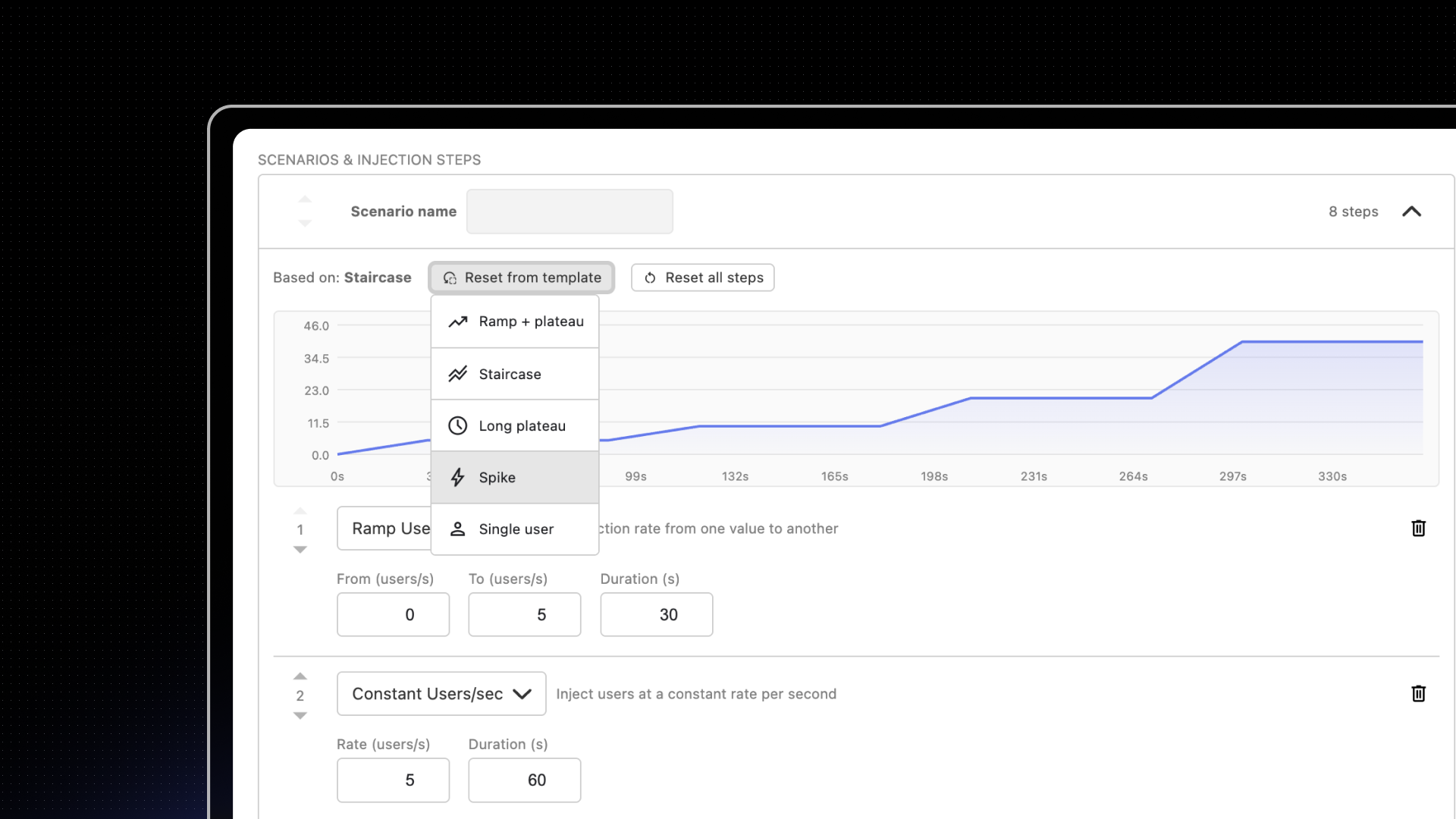
The generated test starts as a one-user smoke test. Change the injection profile to scale it, then deploy and run it on Gatling Enterprise Edition from your coding agent with the Gatling skills and the MCP server.
Requirements
A JDK (11 to 25), Node.js 24 or later, playwright-cli and its skill, a coding agent, and the Gatling AI extensions plugin. Maven isn’t required: the generated project ships with the Maven Wrapper. Record on a test or staging environment, since the capture holds the cookies, tokens, and credentials of your session.
See it live on December 10
Heather Thacker, Developer Advocate at Gatling, will walk through the full workflow on Thursday, December 10, at 6 PM CET / 12 PM EST: record a journey with Playwright, generate the Gatling test with AI, then run it on Gatling Enterprise Edition. Register for the live demo or learn more on the Playwright recorder page.
Related updates
Your all-in-one load testing platform
Design complex tests, manage global infrastructure, and turn results into action on one powerful platform.
Need technical references and tutorials?
Minimal features, for local use only
