How to move from one-off tests run by a specialist team to a practice every team contributes to, with test as code, automation, shared infrastructure, and governance built in.
Live Session
Build, run, and interpret your first load test. A practical session: by the end, you'll know exactly what Enterprise gives you out of the box.
Loading next session...
30 minutes
Live + Q&A

Performance testing used to happen once, right before a major release, run by a specialized team with brittle tooling and little visibility. That model breaks when releases ship daily and systems are distributed.
A regression in one service can spread across your platform. A slowdown nobody catches costs conversions, support tickets, and trust. Scaling load testing means every team contributes to performance, with the infrastructure, tooling, and culture to support testing at scale.
This ebook covers how to get there: test as code, automation, collaboration, and platform-level tooling, and how Gatling Enterprise Edition supports each step without adding complexity.
Each practice below removes one of the blockers, with what Gatling Enterprise Edition adds on top.
Load tests are too important to live in fragile UIs or outdated XML configs. With Gatling, tests are written in JavaScript, TypeScript, Java, Scala, or Kotlin, stored in Git, and versioned like everything else.
Keep the test-as-code model and add team-level control, CI integration, and distributed execution at scale.
Large organizations succeed when they centralize infrastructure and decentralize usage. A common execution platform lets every team run tests independently, within governance boundaries, and avoids tool sprawl.
If performance tests aren't automated, they get skipped. Every team should be able to run lightweight tests on every build or merge.
These integrations are native, so performance validation becomes part of the workflow, not a separate phase.
Teams can use different tools, but they need to speak the same performance language.
Customizable reports and run comparisons make performance data comparable, traceable, and actionable across teams.
The earlier you test, the cheaper it is to fix. Embedding performance in daily development catches regressions before they reach staging or production.
Performance testing is cross-functional by nature. Everyone contributes, and nobody is the bottleneck.
Scenario creation and early feedback
Coverage and assertions
Infrastructure and monitoring
Consume the insights
Project spaces, usage quotas, and team permissions let teams collaborate without conflict.
Scaling from 1,000 to 100,000 users shouldn't mean more infrastructure work. Focus on writing and analyzing tests, not configuring virtual machines or managing regions.
Load test results are more useful next to your observability data. Connecting the two helps SRE and DevOps teams link test results to production behavior and turn load testing into proactive reliability engineering.
Add load testing metrics to your observability dashboards through direct integrations with Datadog and Dynatrace.
If your test environment doesn't reflect production, your results don't hold.
Hybrid deployments let you run load generators inside your VPC or private cloud while still using the hosted UI, for realistic conditions and security.
Autonomy doesn't mean chaos. Lightweight governance balances freedom and control, and keeps testing safe without slowing teams down.
Built-in RBAC, audit logs, and team-level resource limits. Assign roles, create teams, and allocate credits directly in the interface.
Scaling load testing is an ongoing practice, not a one-time project. Performance becomes a shared result, not just a technical metric.
Compare runs, measure trends, and share wins across teams from one place.
Adding load tests to your pipeline is one of the best ways to keep regressions out of production, but timing matters and not every test belongs in CI.
Distributed systems, global users, and fast release cycles take more than generating virtual users. Gatling Enterprise Edition is built around five capabilities that cover the full performance engineering lifecycle.
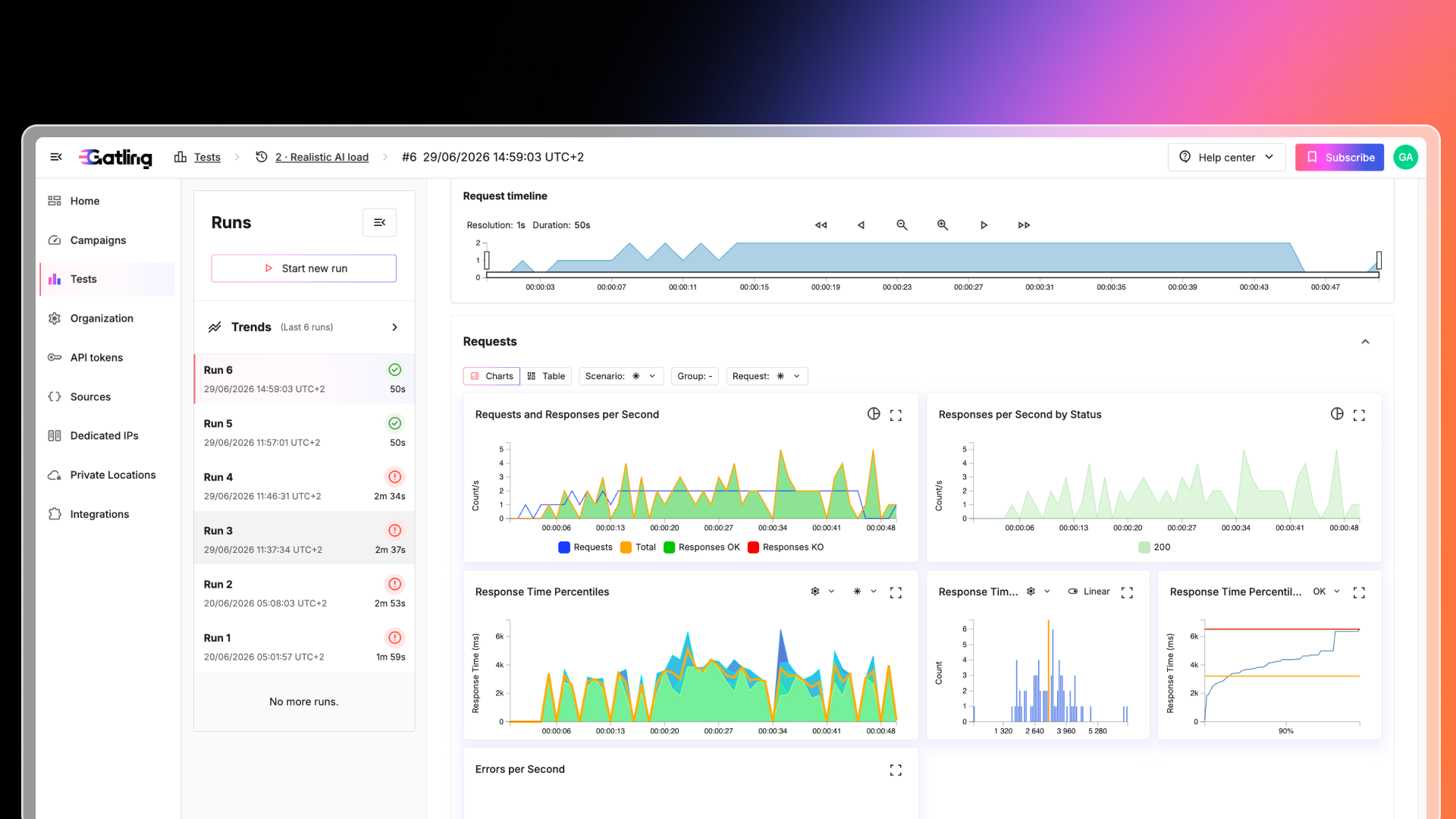
Real-time visibility with dashboards, trend comparisons, and actionable insights.
Build tests with code, low-code, or no-code: import Postman, script in JS/TS or Java, or design visually.
Trigger tests via CI/CD or API, apply stop criteria, and gate releases with performance thresholds.
RBAC, SSO, quotas, and shared reports. Share results via Slack, Teams, or Jira.
Run tests from Gatling-managed regions, your own cloud, or on-prem.
Take all 11 practices with you, or see how teams run load testing at scale with Gatling Enterprise Edition.
All 11 practices, the do's and don'ts, and the platform checklist.
PDF · free, no form Download the PDF downloadA guided walkthrough with a Gatling engineer, with time for your questions.
Join the next live session arrow_forward